Why your eBay description looks broken on mobile, and how to fix it
Tiny text, sideways scrolling, overflowing images and tables that won't fit: why eBay descriptions break on phones, how to test yours, and whether to fix or replace the template.
By The Lystro team · Published · 3 min read
Key answer
eBay descriptions usually break on phones because the template uses fixed widths, layout tables, oversized images or text inside images. Test your live listing on a phone; if it needs zooming or scrolls sideways, the fix is usually to replace the template with a mobile-friendly one rather than patch the old code.
On this page
Your listing looks fine on your computer, then you open it on your phone and it's tiny, cut off or scrolling sideways. It's a common problem, and it matters, because so many eBay buyers shop on their phones.
Fixed widths and tiny text
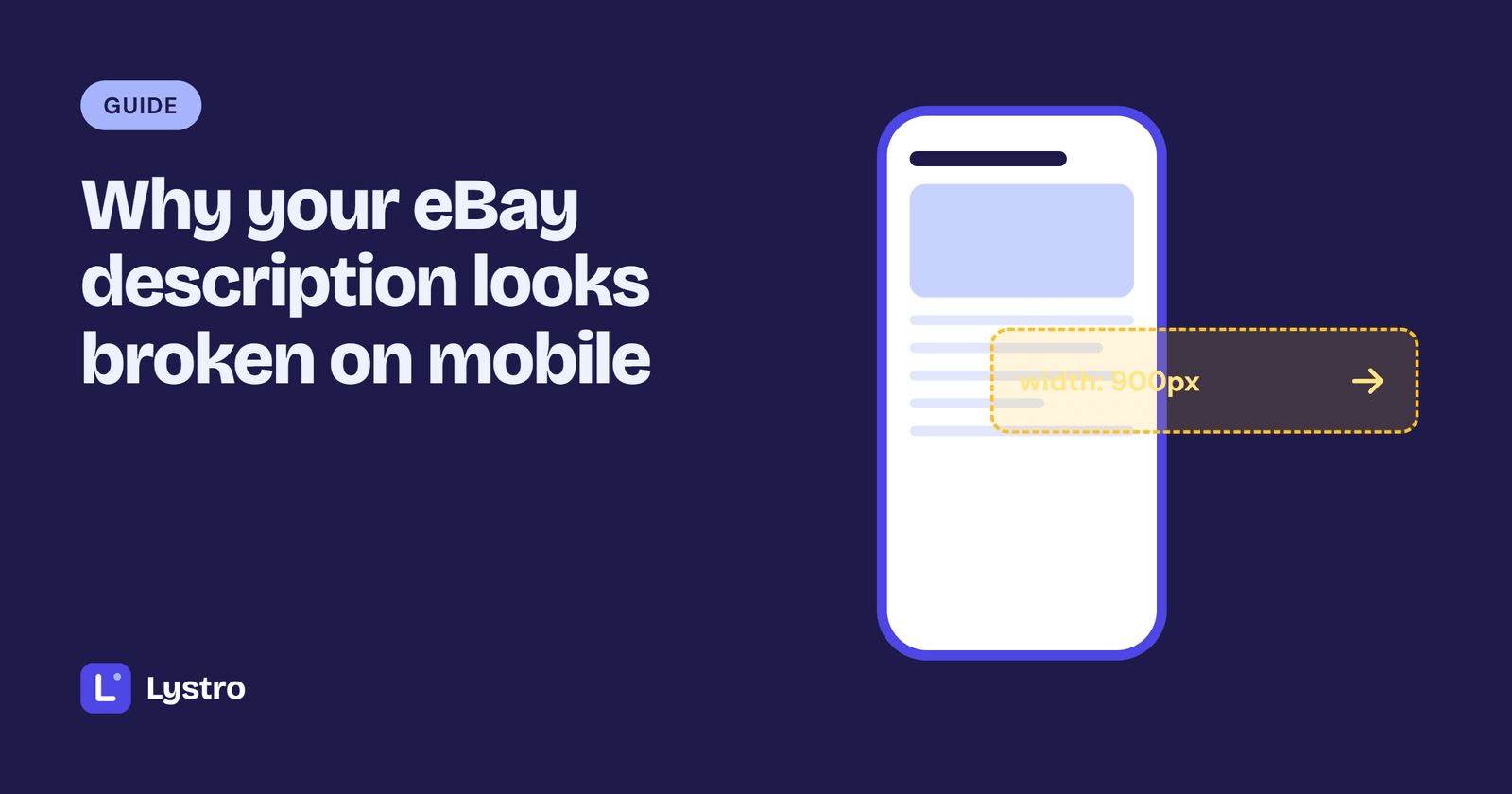
The most common cause is a fixed width. Many older templates set the whole description to a set width, often 800 to 1000 pixels, which suits a desktop screen. A phone screen is much narrower, so the phone either shrinks everything to fit, making text tiny, or shows only part of it, making buyers scroll sideways.
Signs: you have to zoom to read anything, or the page moves sideways when you swipe.
In the code: look for widths like width="900" or width: 1000px on the main container or tables.
Tables that don't stack
Older designs often use tables to lay out the page: a column for photos, a column for text, rows for each section. Tables keep their columns side by side, so on a phone the columns become very narrow or push off the screen.
Tables are still fine for genuine tables of data, such as a specification list. They're the problem when they're used to arrange the whole page.
Images that overflow
Images with a fixed size wider than the screen spill over the edge or force sideways scrolling. Good templates let images scale down to fit the screen, while keeping their proportions.
Text inside images
Banners and graphics with the selling points written into the image become unreadable when shrunk to phone size. They also can't be searched, and screen readers can't read them aloud. Put that text in the description as real text instead.
How to test on a phone
- Open your live listing on your own phone, in the eBay app and in a phone browser.
- Scroll from top to bottom without zooming.
- Check: Can you read all the text? Do images fit? Does anything scroll sideways? Can you tap tabs and links easily?
If you find a problem on one listing, check a couple of others. Listings made from the same template usually share the problem.
Fix or replace?
You have two options.
Patch the old code: change fixed widths to flexible ones, remove layout tables and resize images. This is possible if you're comfortable editing HTML and CSS, but older templates often have many interlinked problems, and patched code tends to break again.
Replace the template: use a template designed for phones from the start. For most sellers this is quicker and more reliable. Your item details, photos and policies move into the new design, and every future listing works on phones too.
If you replace it, update listings as you revise them, so you don't have to do everything at once. Our guide to adding an HTML description shows how to swap the description on each listing.
Every Lystro template stacks into a single column on phones, and you can preview the phone layout before you copy it. Browse mobile-friendly templates.
Frequently asked questions
Why does my eBay listing look different on my phone?
Phones are much narrower than computer screens. Templates with fixed widths, layout tables or oversized images don't adapt, so they shrink or spill over the edge.
Does the eBay app show my HTML description?
Yes. The eBay app shows your description, so it needs to work on a small screen. You can't edit HTML descriptions in the app, though.
Can I fix a fixed-width template myself?
If you're comfortable with HTML and CSS, you can make widths flexible and images scale. For most sellers, switching to a mobile-friendly template is quicker and more reliable.
Do I need to fix every old listing at once?
No. Fix your best-selling listings first, then update the rest as you revise them.
Templates to try
Put this into practice with a ready-made, mobile-friendly design.


Written by
The Lystro team
Lystro is built by an eBay seller with 100% positive feedback, for sellers who'd rather be selling than designing. We write practical guides from real listing experience.
Keep reading
Guides
What is an eBay listing template?
A simple explanation of eBay listing templates: what they are, what's inside one, how they differ from eBay's own description editor, and where they go in your listing.
18 October 2026 · 4 min read
Guides
Moving on from inkFrog: what eBay sellers need to do
inkFrog shut down on 1 June 2026. What happened, what it means for your live eBay listings, how to choose a replacement, and how to move your listing designs over gradually.
16 October 2026 · 3 min read
Guides
How to choose an eBay listing template: a buyer's checklist
Free HTML, template apps or a custom design? Eight things to check before you pick an eBay listing template, plus the red flags that cost sellers sales.
15 October 2026 · 5 min read