eBay store design vs listing templates: what's the difference?
eBay Stores and listing templates are often confused. What each one controls, whether you need both, and the budget options for each.
By The Lystro team · Published · 3 min read
Key answer
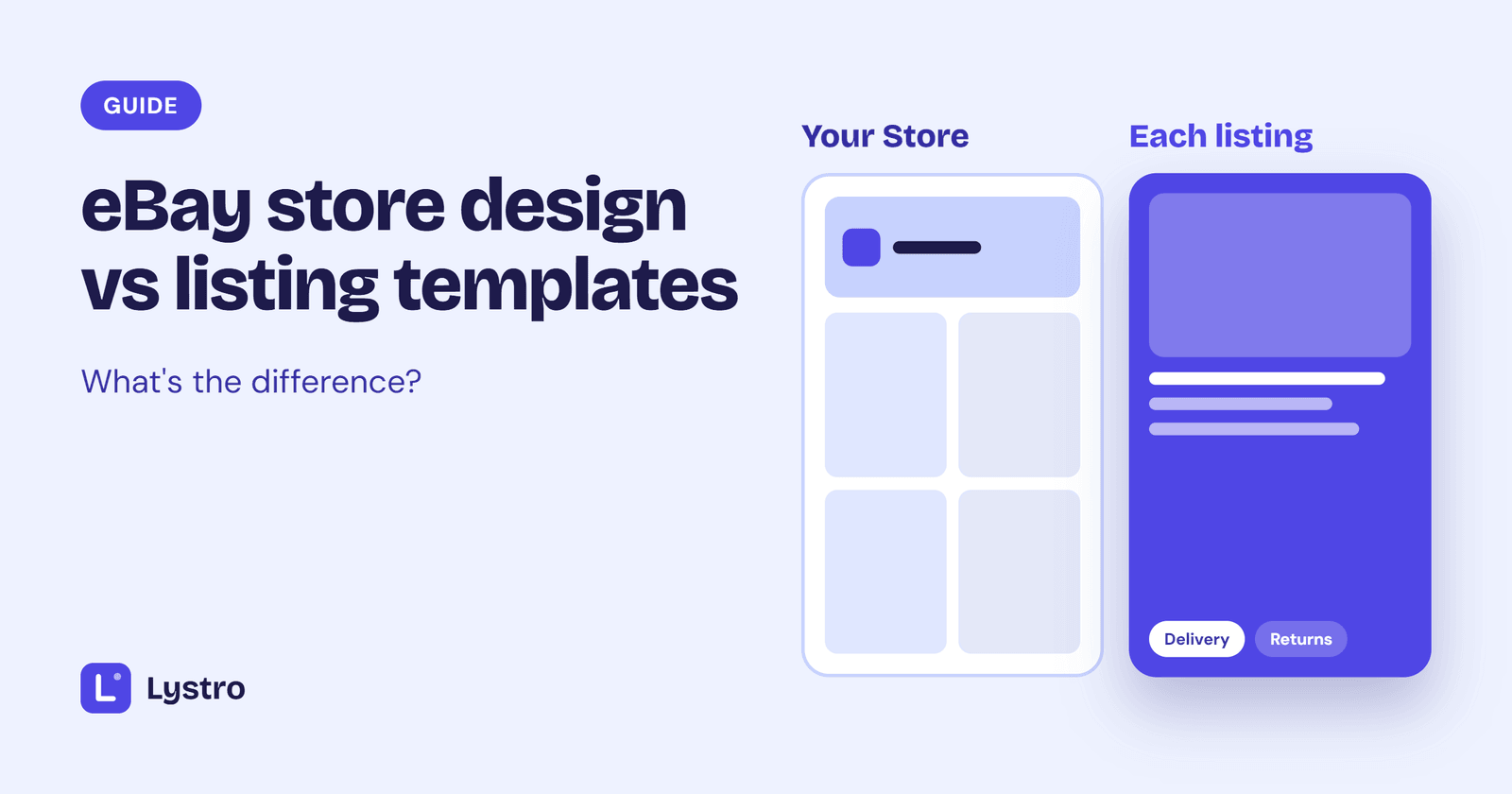
An eBay Store is a paid eBay subscription that gives you a storefront page and other selling benefits. A listing template designs the description of each individual listing. They do different jobs: you can have a Store without templates, templates without a Store, or both.
On this page
"eBay store design" and "eBay listing templates" get mixed up all the time, partly because some companies sell both. They're different things that do different jobs.
eBay Stores in a nutshell
An eBay Store is a subscription you take out with eBay. It gives you a storefront: a page at your own eBay address where buyers can see all your items, search within your shop and browse by your own categories. Depending on the level, a Store subscription can also include other benefits for sellers, such as more free listings each month.
eBay offers several Store levels with different monthly fees and benefits. Check eBay's current Store options for the details, as they change from time to time.
What you can customise on a Store page is set by eBay: typically a banner image, logo, description and how your items are organised.
What a listing template controls
A listing template designs the description of each individual listing: the area below the photos, price and item specifics, where buyers read about the item.
It controls:
- how your item details are laid out
- your header, colours and fonts on each listing
- how delivery, returns and other information is presented
- how the description looks on phones
A template goes into every listing, so buyers see it whether they found you through search, your Store or a link.
Do you need both?
Not necessarily. They solve different problems.
A Store makes sense when you have enough items for buyers to browse, and when the subscription's selling benefits outweigh its cost. It helps buyers who like one item to find your others.
Listing templates make sense whenever you want each listing to look professional and consistent, whether you have five items or five thousand.
Many sellers start with templates, because every buyer sees the listing, and add a Store later as their range grows. Others have a Store first and add templates to make individual listings match their brand.
If you have both, make them match: the same logo, colours and tone on your Store page and in your listing template.
Budget options for each
Store pages: the design tools come with the Store subscription. A good banner image and logo go a long way, and you can make both yourself with a free graphics tool. Some design companies sell custom Store designs if you want more.
Listing templates: options range from free HTML templates you edit by hand, to template editors with monthly or one-off pricing, to custom designs from a designer. Our guide to free vs paid eBay templates compares the options, and our eBay listing software comparison lays out the main tools and prices.
A simple way to decide
- Start with listings. Every buyer sees your listing, so make it clear and trustworthy first.
- Add a Store when your range grows, or when the subscription's benefits make sense for how much you sell.
- Keep the branding consistent across both.
Lystro focuses on listing templates: designs for each listing's description, with your store details filled in automatically. Browse the templates to see the styles.
Frequently asked questions
Does an eBay Store include listing templates?
An eBay Store gives you a storefront page. Designing each listing's description is separate, which is where listing templates come in.
Can I use listing templates without an eBay Store?
Yes. Templates work on any eBay listing, whether or not you have a Store.
Will a Store help my items get found?
A Store helps buyers browse your range and find your other items. How individual items rank in eBay search depends mainly on each listing's title, item specifics, price and other details.
Should my Store and listings look the same?
Ideally, yes. The same logo, colours and tone across your Store and listings make your shop feel like one recognisable business.
Templates to try
Put this into practice with a ready-made, mobile-friendly design.


Written by
The Lystro team
Lystro is built by an eBay seller with 100% positive feedback, for sellers who'd rather be selling than designing. We write practical guides from real listing experience.
Keep reading
Guides
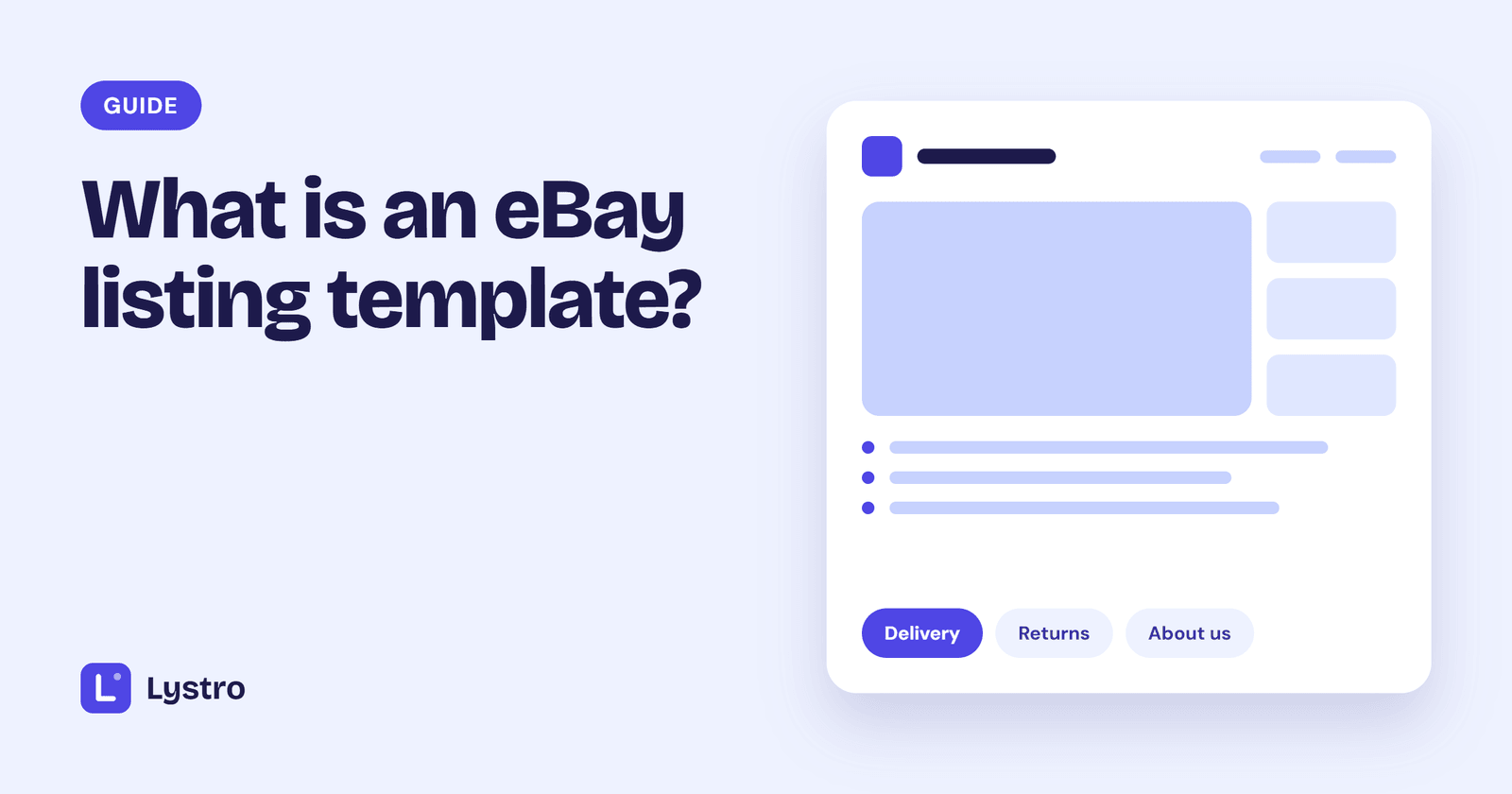
What is an eBay listing template?
A simple explanation of eBay listing templates: what they are, what's inside one, how they differ from eBay's own description editor, and where they go in your listing.
18 October 2026 · 4 min read
Guides
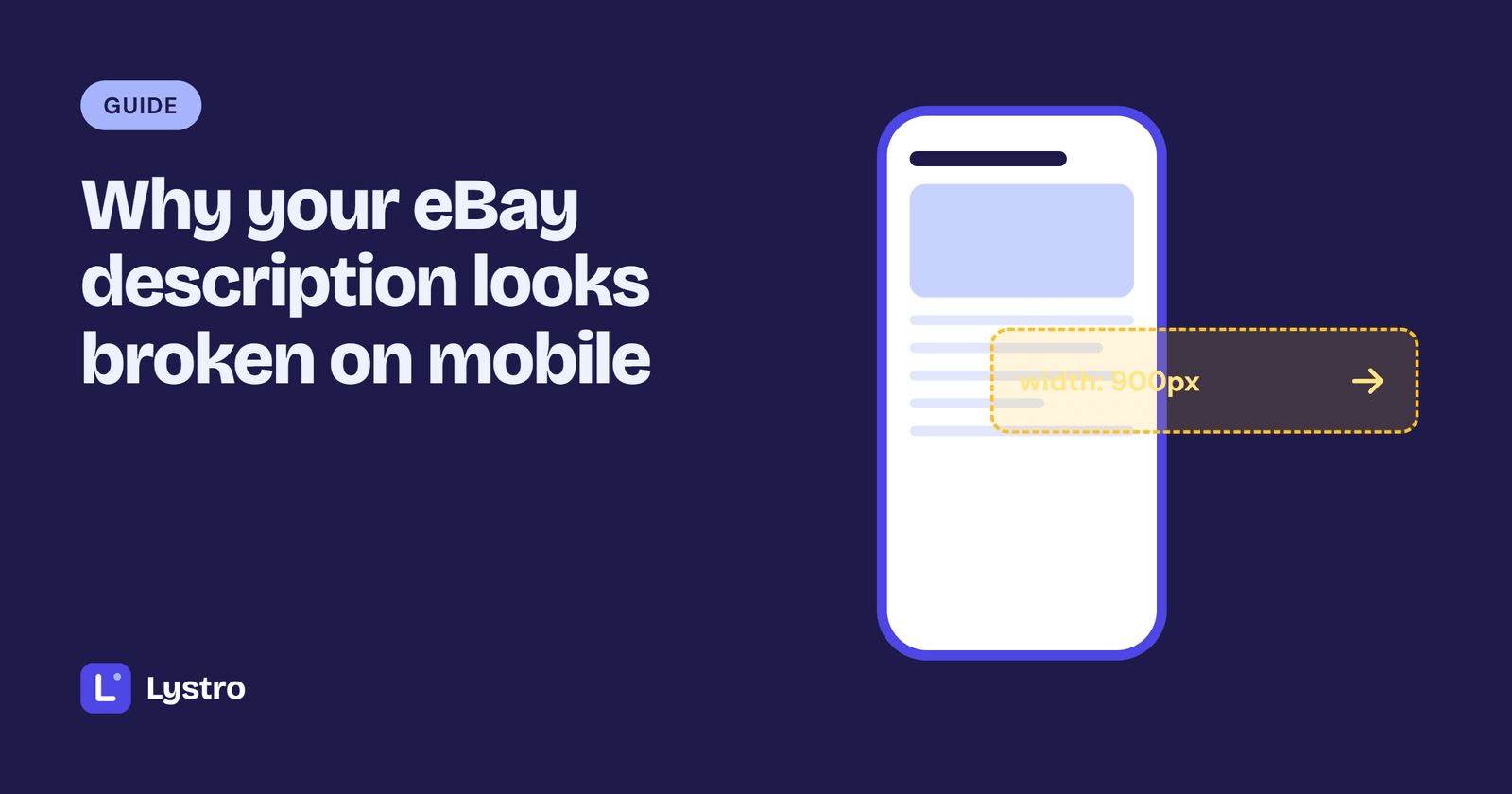
Why your eBay description looks broken on mobile, and how to fix it
Tiny text, sideways scrolling, overflowing images and tables that won't fit: why eBay descriptions break on phones, how to test yours, and whether to fix or replace the template.
18 October 2026 · 3 min read
Guides
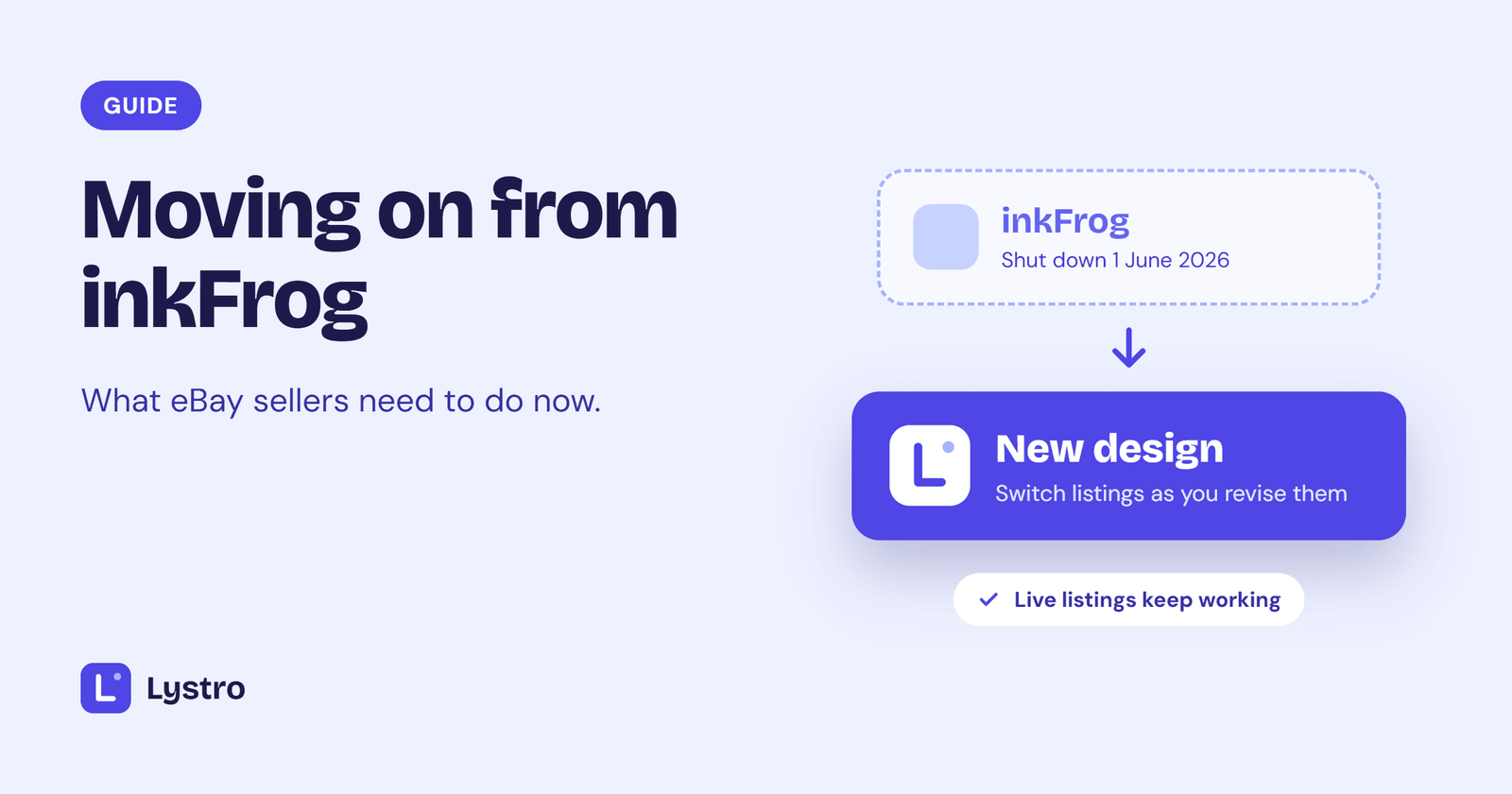
Moving on from inkFrog: what eBay sellers need to do
inkFrog shut down on 1 June 2026. What happened, what it means for your live eBay listings, how to choose a replacement, and how to move your listing designs over gradually.
16 October 2026 · 3 min read